Getting started
How to launch the bot, open the Mini App and pick your first settings.
Launching the bot
Open the bot — @OwerlyBot.
Press Start. You will get a welcome message, and an App button will appear in the bottom-left corner.
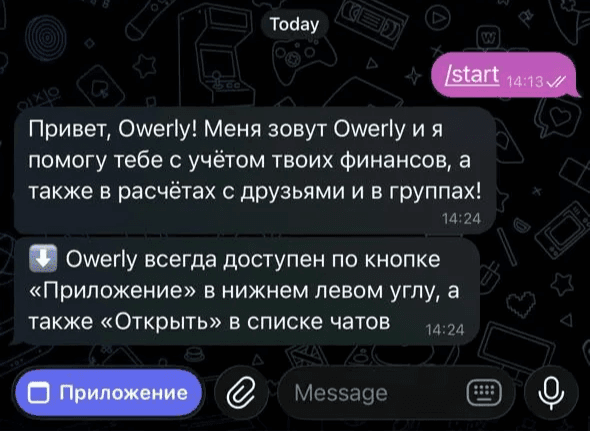
Press App — the Owerly Mini App opens.
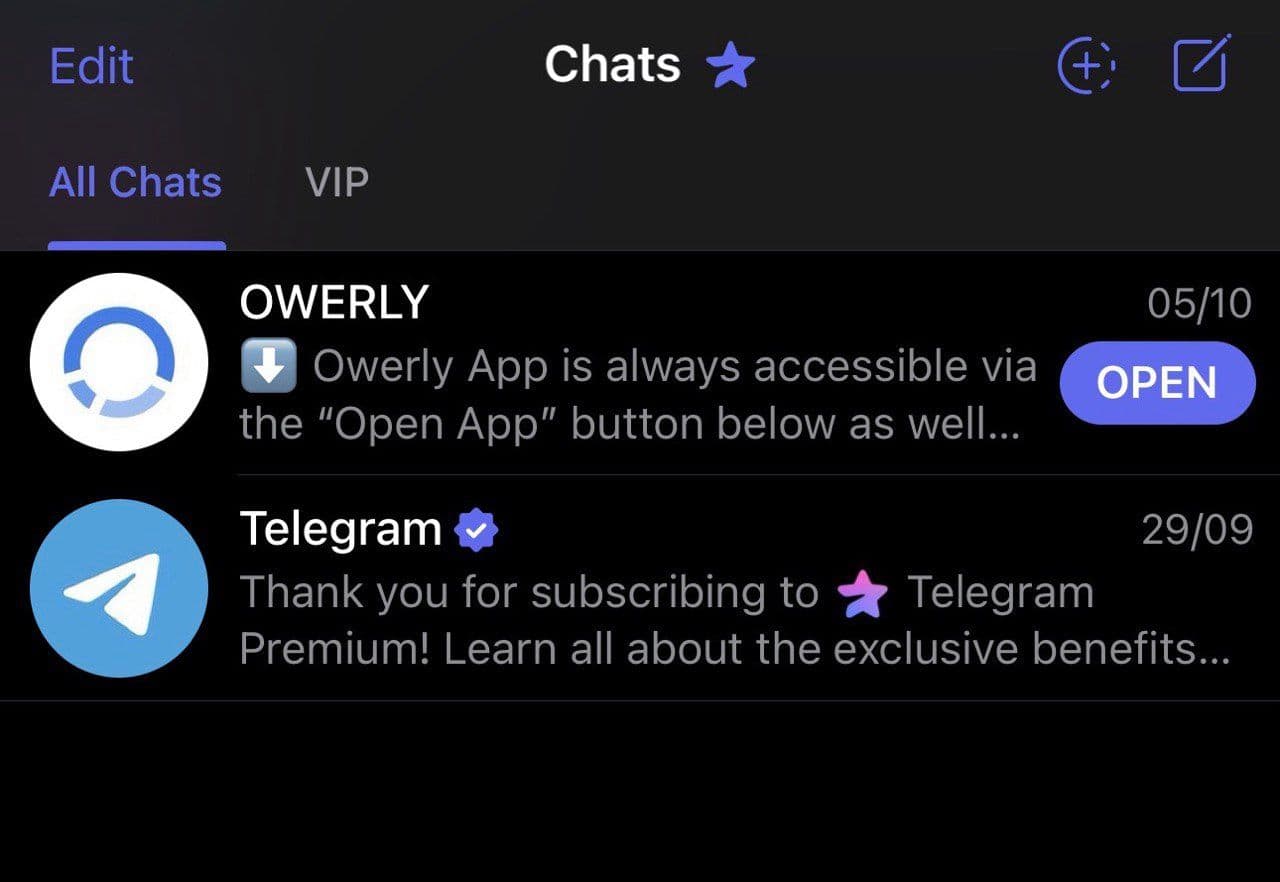
Where to find the app later
The App button stays in the bottom-left corner of the chat with the bot. Owerly also opens straight from your Telegram chat list.
First settings
The first time you open it, the app asks for your country, currency and language. The language is taken from your system settings — this is the step where you can change it.
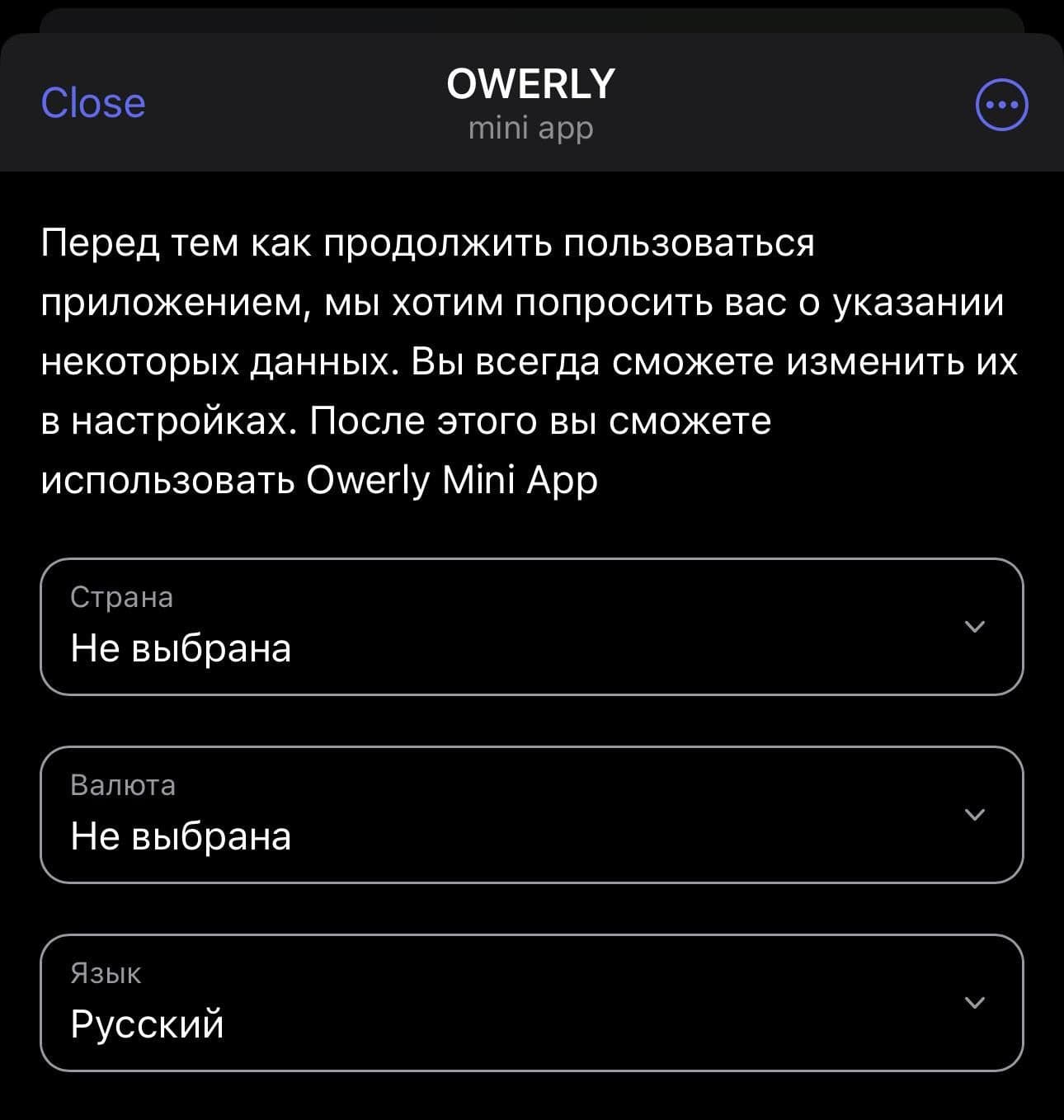
Press Save and continue. All of it can be changed later in settings — country and currency only set the defaults, they do not restrict you.
Bot commands
| Command | What it does |
|---|---|
/start | Launches the bot and shows the main menu |
/help | Sends the useful links: the app, support, these docs |
/settings | Reminds you that settings live inside the Mini App |
Your first name, last name, username and avatar come from your Telegram profile — they can only be changed there.